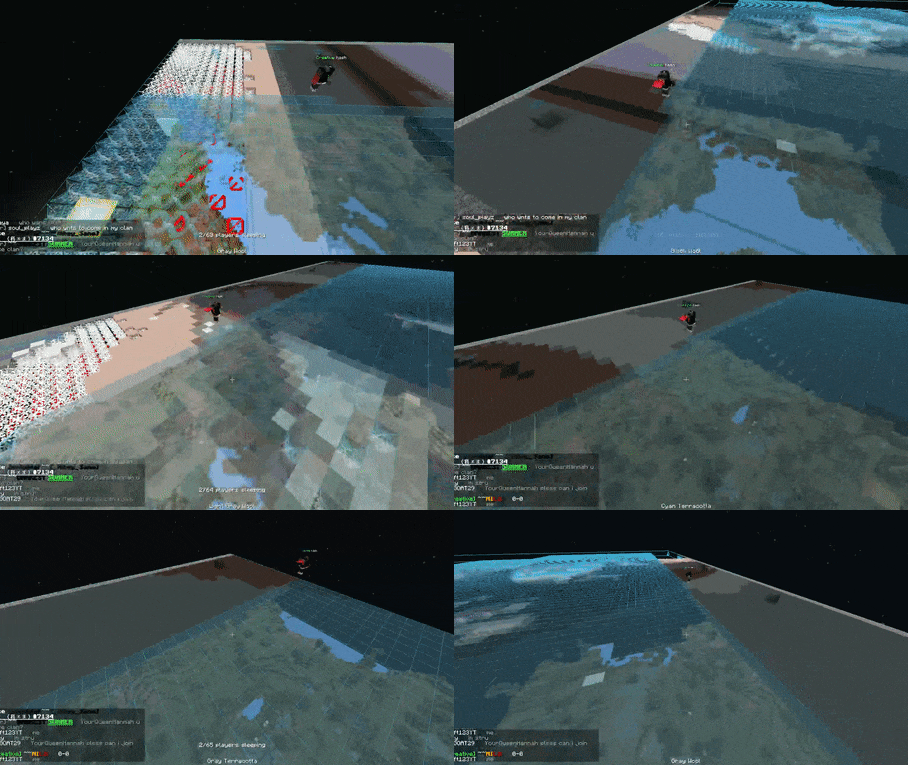
I'm pretty sure its the scaling causing this because this does not happen when playing in software mode or when using hardware native.
The problem I am having is during gameplay, the entire vertical row of pixels on the right are usually just garbled up random colors and garbage depending on whats on the screen.
This is on both the right and the bottom of the AMV's. I don't mind it on the AMV's as much, but during gameplay its very distracting an annoying.
I have attached screenshots.
 Glitch3.png (Size: 2,18 MB / Downloads: 24)
 Glitch1.png (Size: 1,47 MB / Downloads: 20)
I have spent maybe 5 hours trying tons of options to fix this and nothings working. The only thing I have not messed with is the EE/IOP, VUs, and GS settings. Direct3D11 or Direct3D9 were not a fix for this. I tried literally every individual hardware hack setting and many combinations of them. I tried AVX2, SSE4, and SSE2 2020 plugins, and none of those worked either.
I have only found one thing that helps so far. These temporarily for maybe 10 seconds or so go away if I leave fullscreen and go back into fullscreen. I can also switch to software mode and back with f9. It's not fixing it though, and it comes right back in mere seconds as I start to play the game again. Its too much of a hassle to keep pressing f9 twice every few seconds just to clear it off again.
Obviously I could just play the game at native, but it looks so terrible to me like that and I really want to be able to scale it. Is there anything I may not have thought of that you can think of to fix this?
I am using the newest version 1.6.0
The problem I am having is during gameplay, the entire vertical row of pixels on the right are usually just garbled up random colors and garbage depending on whats on the screen.
This is on both the right and the bottom of the AMV's. I don't mind it on the AMV's as much, but during gameplay its very distracting an annoying.
I have attached screenshots.
 Glitch3.png (Size: 2,18 MB / Downloads: 24)
Glitch1.png (Size: 1,47 MB / Downloads: 20)
Glitch3.png (Size: 2,18 MB / Downloads: 24)
Glitch1.png (Size: 1,47 MB / Downloads: 20)
I have spent maybe 5 hours trying tons of options to fix this and nothings working. The only thing I have not messed with is the EE/IOP, VUs, and GS settings. Direct3D11 or Direct3D9 were not a fix for this. I tried literally every individual hardware hack setting and many combinations of them. I tried AVX2, SSE4, and SSE2 2020 plugins, and none of those worked either.
I have only found one thing that helps so far. These temporarily for maybe 10 seconds or so go away if I leave fullscreen and go back into fullscreen. I can also switch to software mode and back with f9. It's not fixing it though, and it comes right back in mere seconds as I start to play the game again. Its too much of a hassle to keep pressing f9 twice every few seconds just to clear it off again.
Obviously I could just play the game at native, but it looks so terrible to me like that and I really want to be able to scale it. Is there anything I may not have thought of that you can think of to fix this?
I am using the newest version 1.6.0